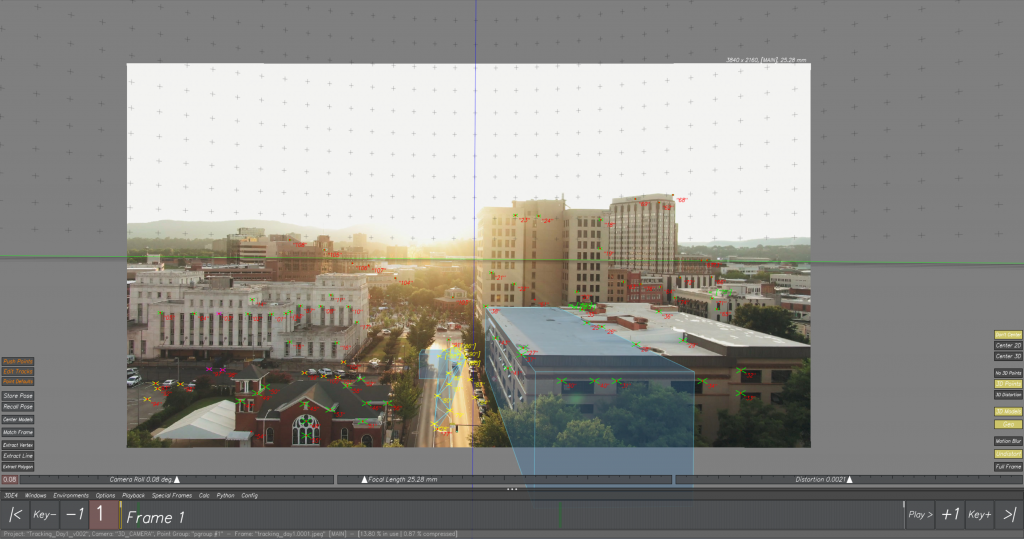
2D Track
Using 3D Equalizer
2D Tracking using a drone shot.
The footage was imported in 3D Equalizer and then was 2D tracked by adding points manually and tracking the footage.
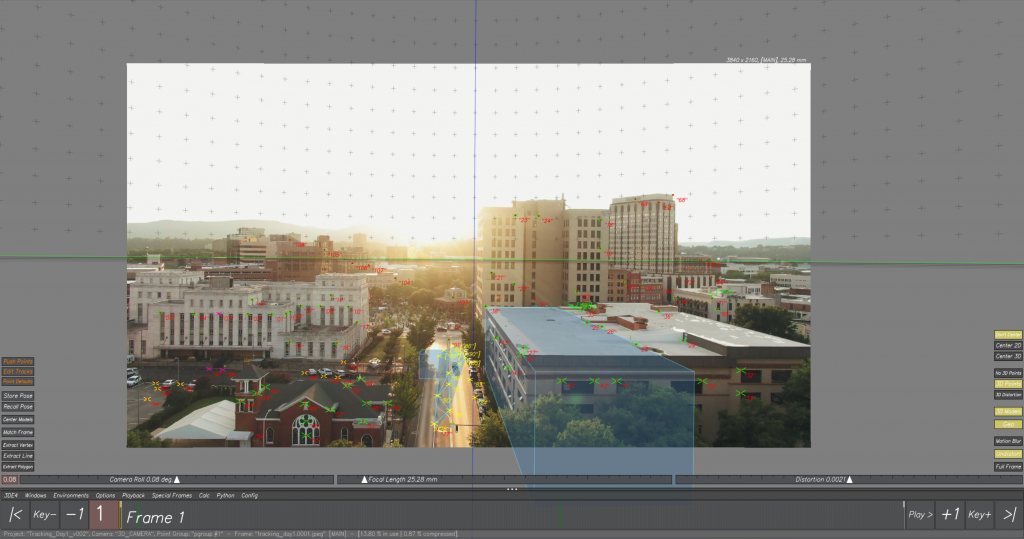
Adding 3D objects to the tracked scene.
I learnt 3D Equalizer and gained an understanding of how it is used for matchmoving and camera tracking in visual effects. Through this process, I learnt how to analyze live-action footage, track camera movement, and accurately align 3D space with real scenes. At first, the interface and tracking process were challenging, but with practice I became more comfortable working with tracking points and camera data. Learning 3D Equalizer helped me understand the technical side of VFX and how 3D elements are integrated seamlessly into live-action footage.
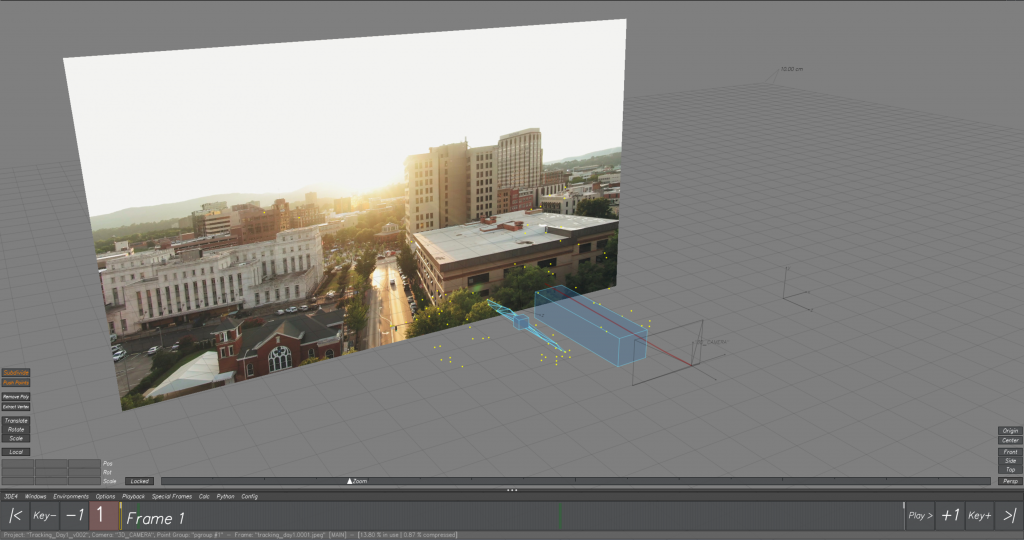
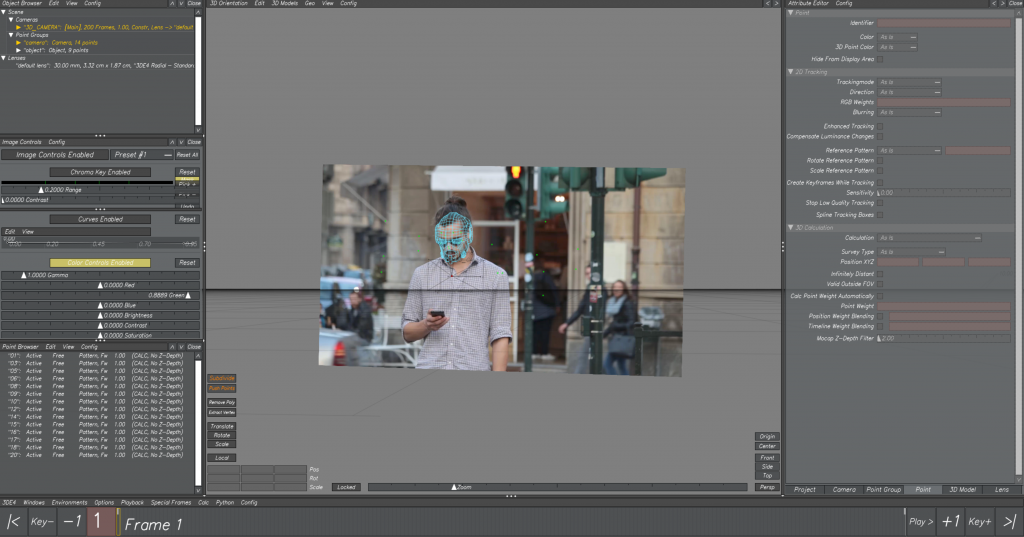
At first, we tracked a face in 3D Equalizer by carefully analyzing the footage and placing accurate tracking points on key facial features. The process involved adjusting and refining the tracks to make sure they followed the face movement consistently throughout the shot. Understanding camera movement and facial motion was challenging at the beginning, but with practice it became easier to manage and correct tracking errors. This face-tracking exercise helped me understand how precise match moving works and how important accurate tracking is in visual effects production.
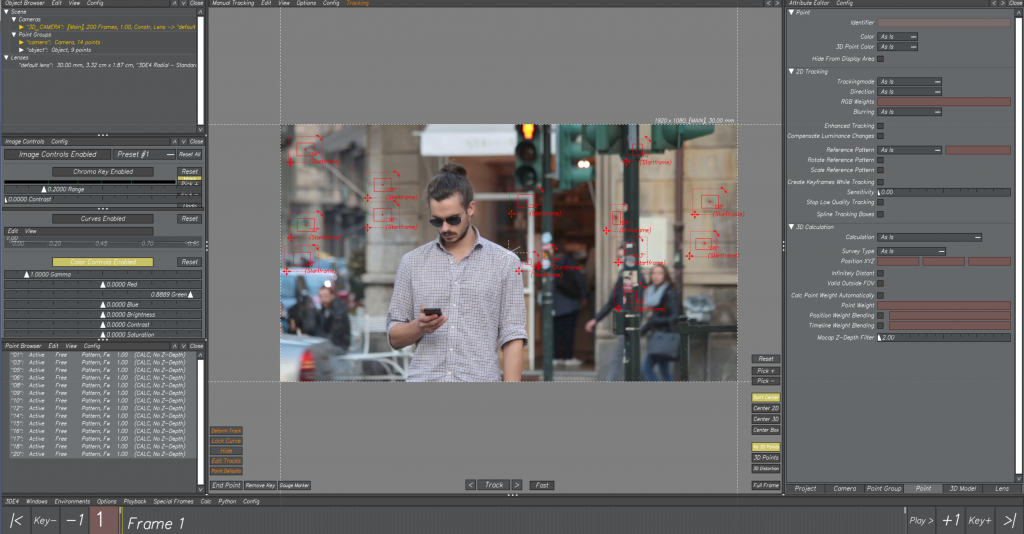
After importing the tracked data into Maya, I set up the scene by placing the face model and applying the animation so that it matched the tracked movement accurately. I carefully adjusted the position, scale, and rotation of the model to ensure it aligned properly with the tracked face throughout the sequence. This step required close attention to detail, as even small mismatches could break the realism. Once the animation and alignment were finalized, I focused on refining the scene by checking camera settings, lighting, and basic shaders. Finally, I rendered the sequence, which helped me understand the complete workflow from tracking to animation and rendering, and showed me how multiple software tools come together in a professional VFX pipeline.
Leave a Reply