Z-Brush
I learnt ZBrush and discovered how powerful and versatile it is for digital sculpting and 3D art. At first, the interface felt overwhelming, but with regular practice I gradually became more confident using different brushes, sculpting tools, and workflows. Through this learning process, I improved my understanding of form, anatomy, proportions, and fine details, which are essential for creating realistic and expressive models. I also learnt how to refine shapes, add surface details, and think more creatively while working in three dimensions. Overall, learning ZBrush was a challenging yet rewarding experience that strengthened my technical skills and inspired me to keep exploring and improving in 3D design.
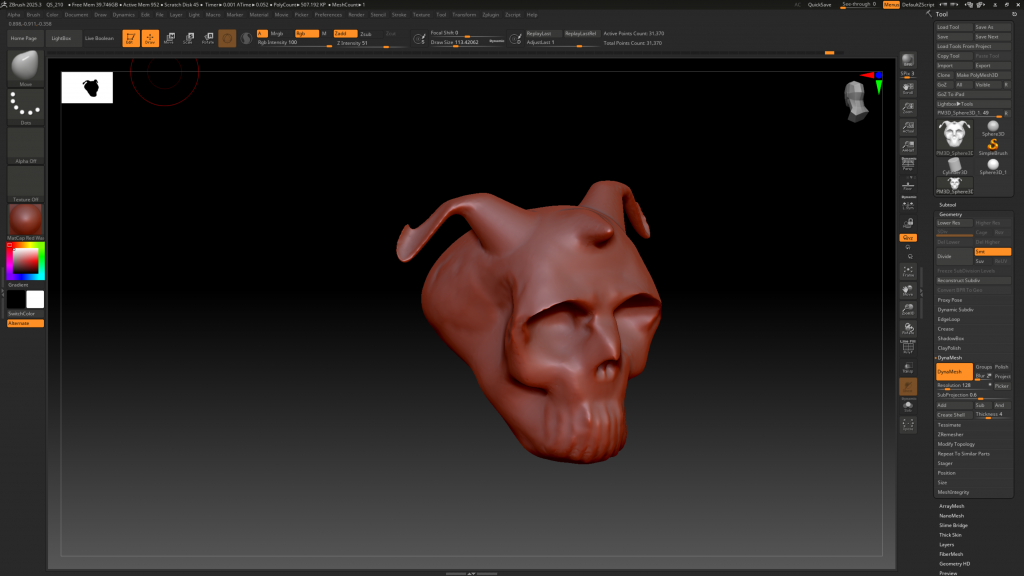
I tried making a skull in ZBrush as a detailed sculpting exercise, and it was a highly educational experience. I started by blocking out the basic forms to establish the correct overall shape and proportions of the skull, focusing on symmetry and structure. Once the primary forms were in place, I moved on to refining the secondary forms, carefully sculpting areas such as the eye sockets, cheekbones, nasal cavity, jaw, and cranium. A major challenge was keeping the proportions accurate while adding finer details, which required constant comparison and adjustment. Through this process, I learnt how to use different brushes and subdivision levels effectively, allowing me to add detail without losing the original form. Overall, sculpting the skull improved my understanding of anatomy, strengthened my control over sculpting tools, and increased my confidence in creating detailed 3D models.
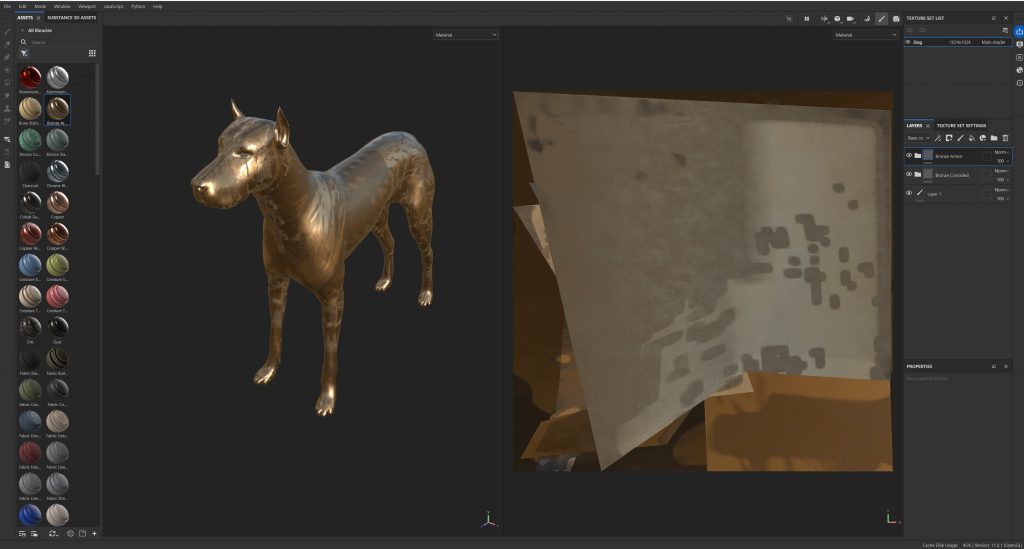
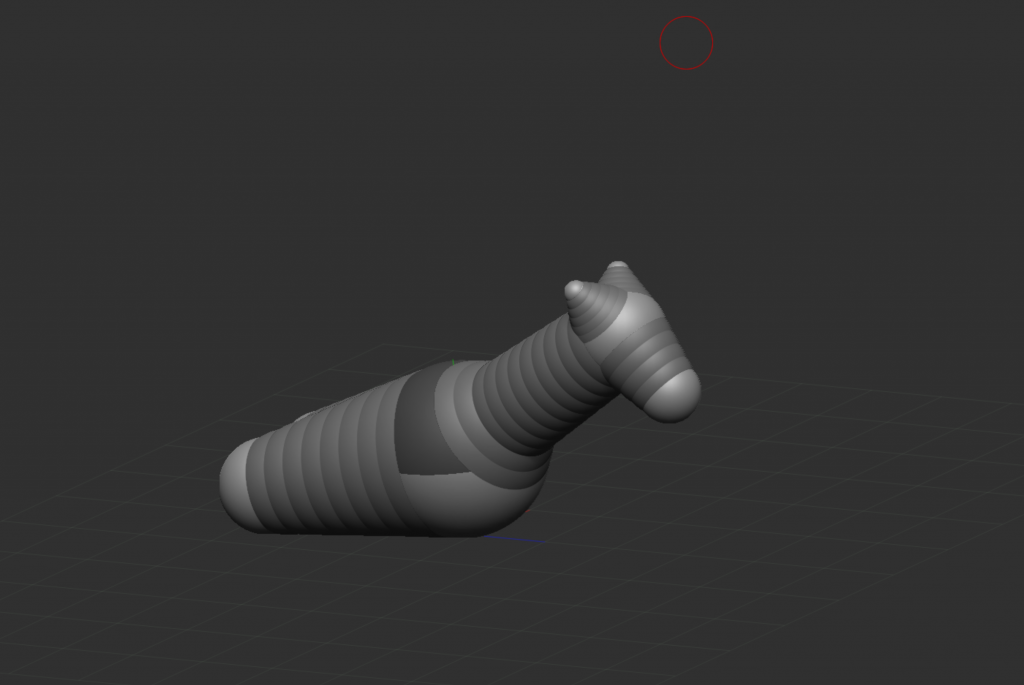
After that, I tried exporting a sample model from ZBrush and importing it into Substance Painter. This time, it wasn’t a skull but a sampled dog model, which helped me better understand how a finished 3D model moves through the pipeline. I learnt how to export the model correctly and then bring it into Substance Painter for texturing. Working with the dog model allowed me to experiment with materials, colors, and surface details, making the model feel more realistic. This step helped me understand the connection between sculpting and texturing and gave me practical experience with a real 3D workflow.